
반응형
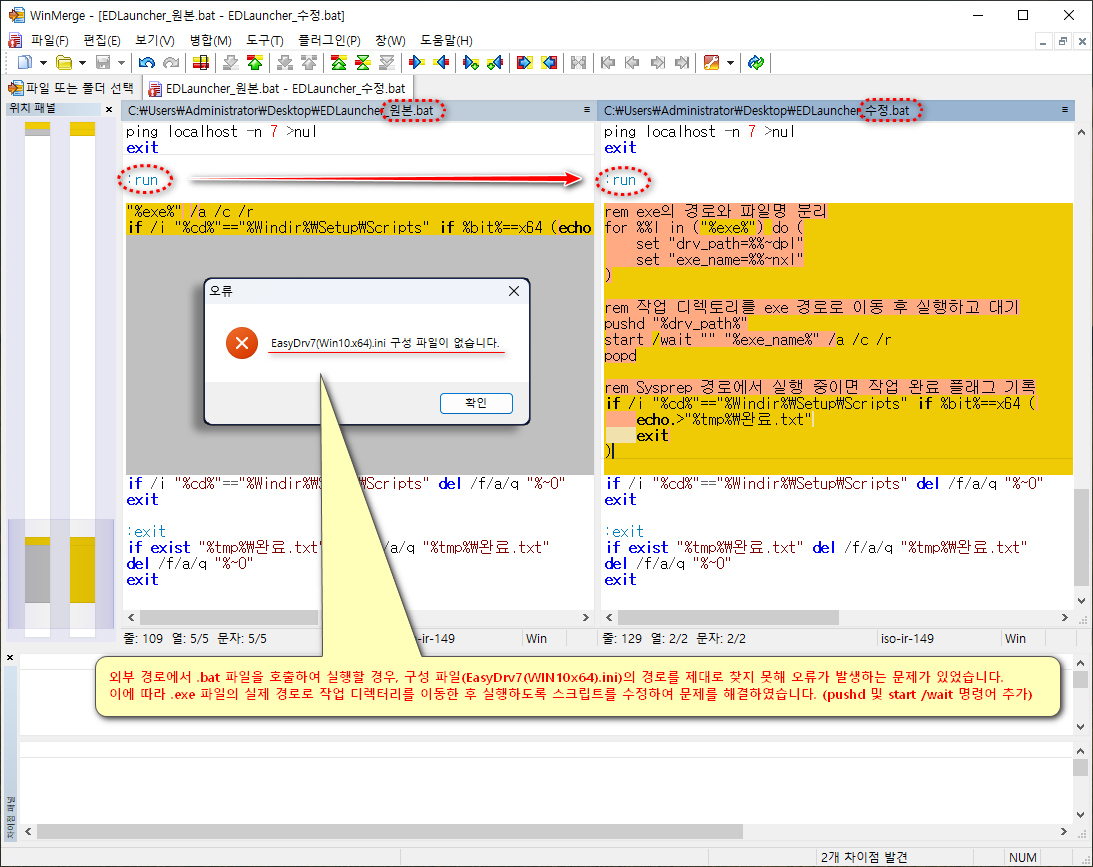
외부 경로에서 .bat 파일을 호출하여 실행할 경우, 구성 파일(EasyDrv7(WIN10x64).ini)의 경로를 제대로 찾지 못해 오류가 발생하는 문제가 있었습니다.
이에 따라 .exe 파일의 실제 경로로 작업 디렉터리를 이동한 후 실행하도록 스크립트를 수정하여 문제를 해결하였습니다. (pushd 및 start /wait 명령어 추가)
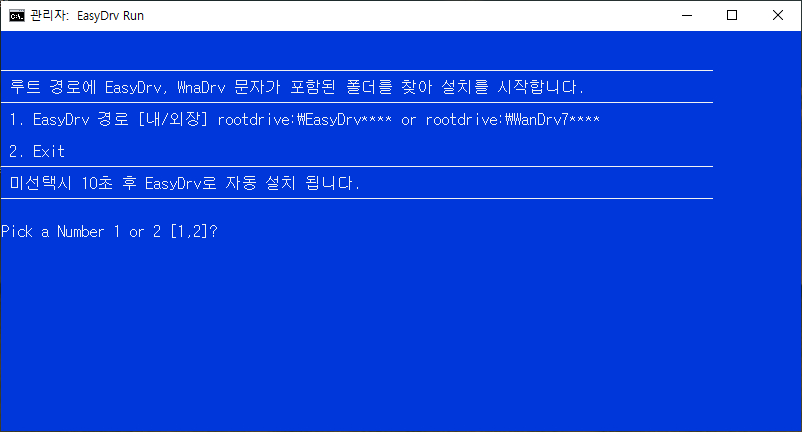
포함된 배치 스크립트는 EKLauncher v2.0과 동일한 기능을 수행합니다. 다만, USB로 제작 시 바이러스 오진을 방지하기 위한 차원에서 실행 파일 대신 배치 파일 형태로 제공됩니다.

[ EasyDrv7 구문 수정 ]
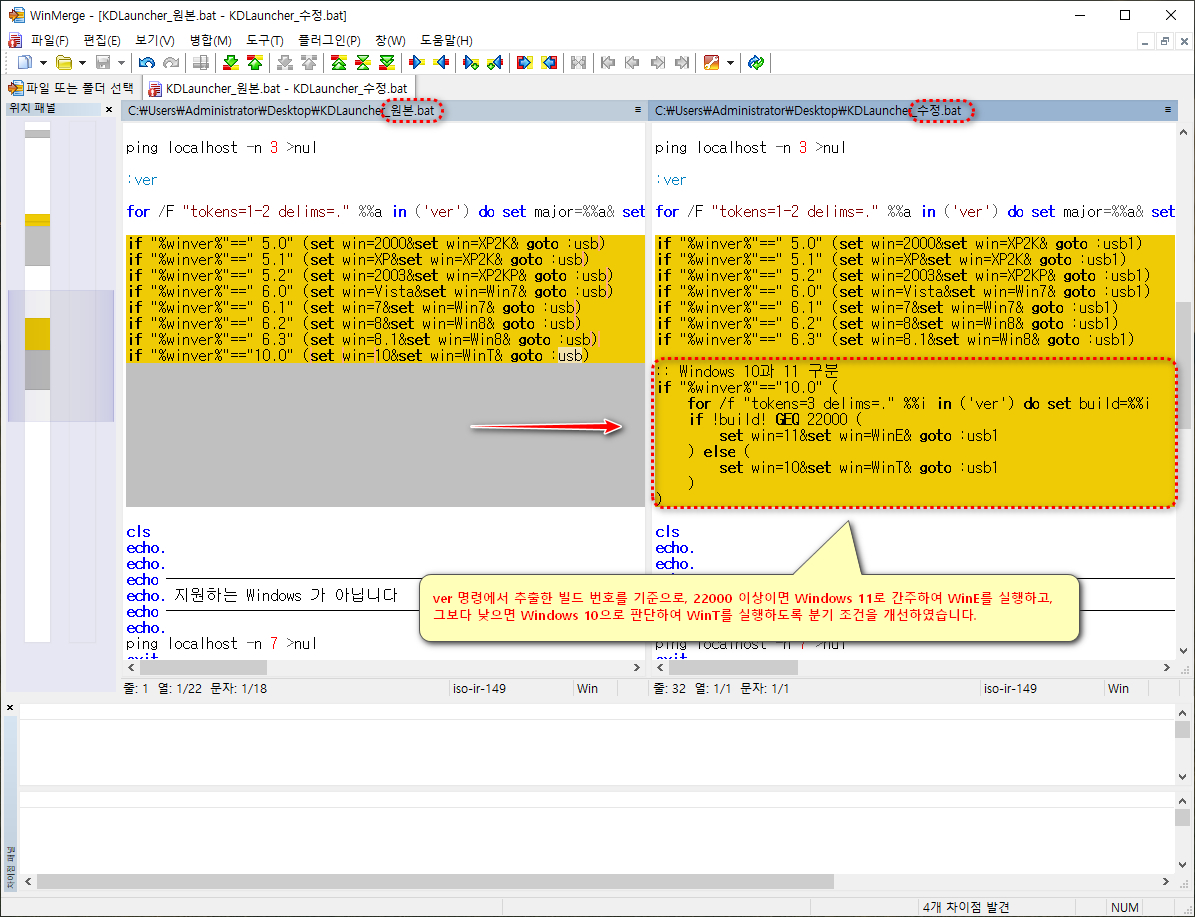
[ K-Driver 구문 수정 ]
배치 파일 이름은 가능하면 **EDLauncher.bat**로 유지하여 사용하시기 바랍니다.
다른 이름으로 변경할 경우, 모든 응답 파일(unattend.xml)을 수정해야 하는 번거로움이 발생할 수 있습니다.
사용할 배치 파일은 ISO 파일 내의 \sources\$OEM$\$$\Setup\Scripts 경로에 추가 하고 저장해 주세요.
    무인설치 응답파일(unattend.xml)

    <settings pass="specialize">
	<component name="Microsoft-Windows-Deployment" processorArchitecture="amd64" publicKeyToken="31bf3856ad364e35" language="neutral" versionScope="nonSxS" xmlns:wcm="http://schemas.microsoft.com/WMIConfig/2002/State" xmlns:xsi="http://www.w3.org/2001/XMLSchema-instance">
	<RunSynchronous>
	<!-- x64 WanDrv7 런처(EDLauncher.bat 배치 파일이 있으면 실행하고 없으면 종료) -->
		<RunSynchronousCommand wcm:action="add">
			<Order>1</Order>
			<Path>cmd.exe /c if exist "%Windir%\Setup\Scripts\EDLauncher.bat" "%Windir%\Setup\Scripts\EDLauncher.bat"</Path>
			<Description>Auto Driver Launcher</Description>
		</RunSynchronousCommand>
	</RunSynchronous>
	</component>
    </settings>
각 드라이브의 루트 경로에 폴더 트리 구조를 참고 하세요.
EasyDrv7 폴더 트리 구조

G:.
│
└─EasyDrv7_v7.23.1221.1_KO
    │  EKLauncher.exe
    │  Setting.ini
    │
    ├─EasyDrv7_Win10.x64_7.23.1221.1
    │  │  EasyDrv7(Win10.x64).exe
    │  └─ EasyDrv7(Win10.x64).ini
    │
    ├─EasyDrv7_Win10.x86_7.23.1221.1
    │  │  EasyDrv7(Win10.x86).exe
    │  └─ EasyDrv7(Win10.x86).ini
    │
    ├─EasyDrv7_Win7.x64_7.24.1126.1
    │  │
    │  │  EasyDrv7(Win7.x64).exe
    │  └─ EasyDrv7(Win7.x64).ini
    │
    └─EasyDrv7_Win7.x86_7.24.1126.1
	   │
       │  EasyDrv7(Win7.x86).exe
       └─ EasyDrv7(Win7.x86).ini
K-Driver 폴더 트리 구조
F:.
│
└─K-Driver 25.04
│ KDLauncher.exe
│ KDLauncher.ini
│ KDLauncher.jpg
│ [K-Driver]Changelog.txt
│
├─[Win7.32Bit]K-Driver3
│ └─ [Win7.32Bit]K-Driver3.exe
│
├─[Win7.64Bit]K-Driver3
│ └─ [Win7.64Bit]K-Driver3.exe
│
├─[Win8.32Bit]K-Driver3
│ └─ [Win8.32Bit]K-Driver3.exe
│
├─[Win8.64Bit]K-Driver3
│ └─ [Win8.64Bit]K-Driver3.exe
│
├─[WinE.64Bit]K-Driver3
│ └─ [WinE.64Bit]K-Driver3.exe
│
├─[WinT.32Bit]K-Driver3
│ └─ [WinT.32Bit]K-Driver3.exe
│
└─[WinT.64Bit]K-Driver3
└─ [WinT.64Bit]K-Driver3.exe


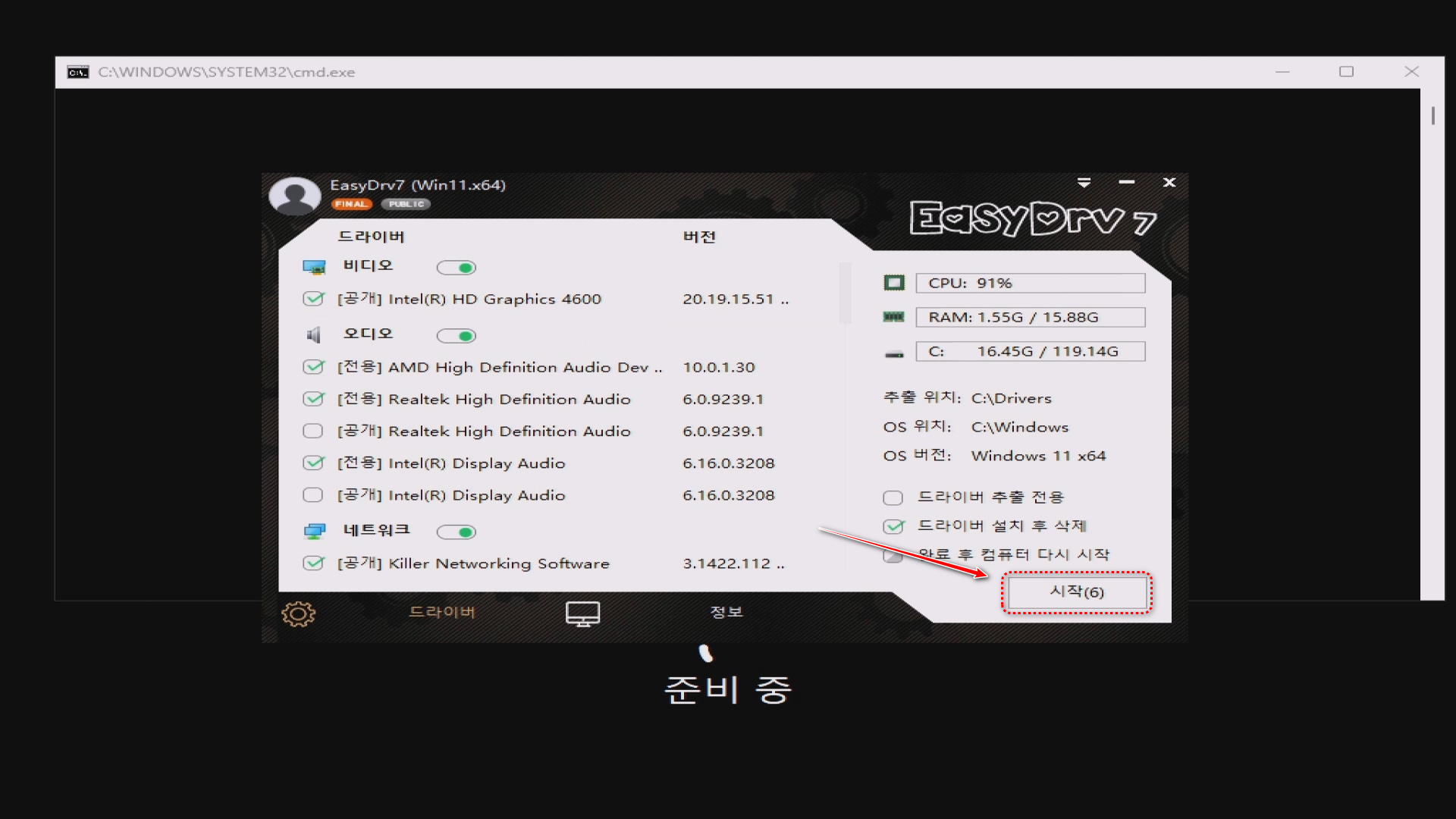
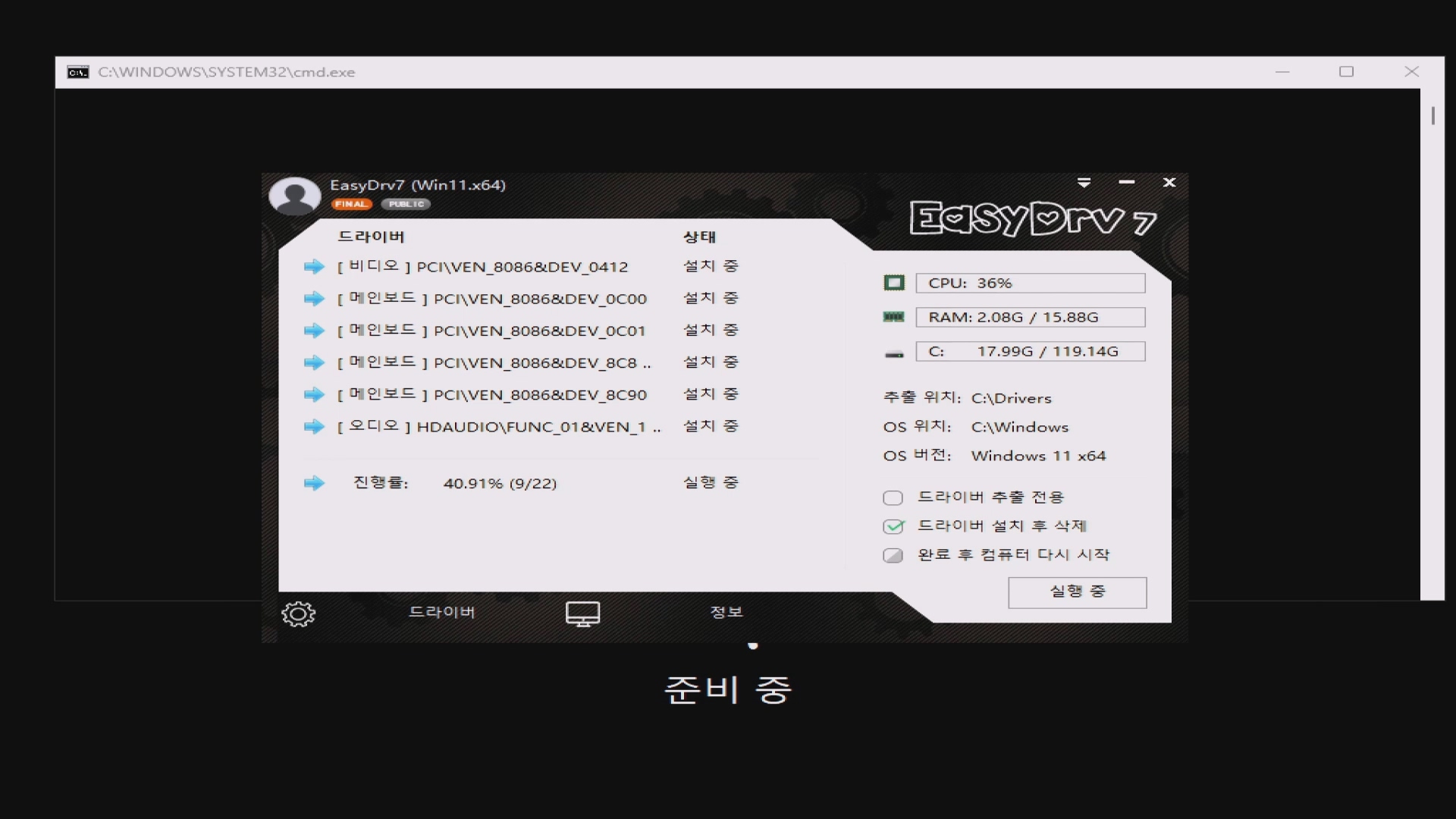
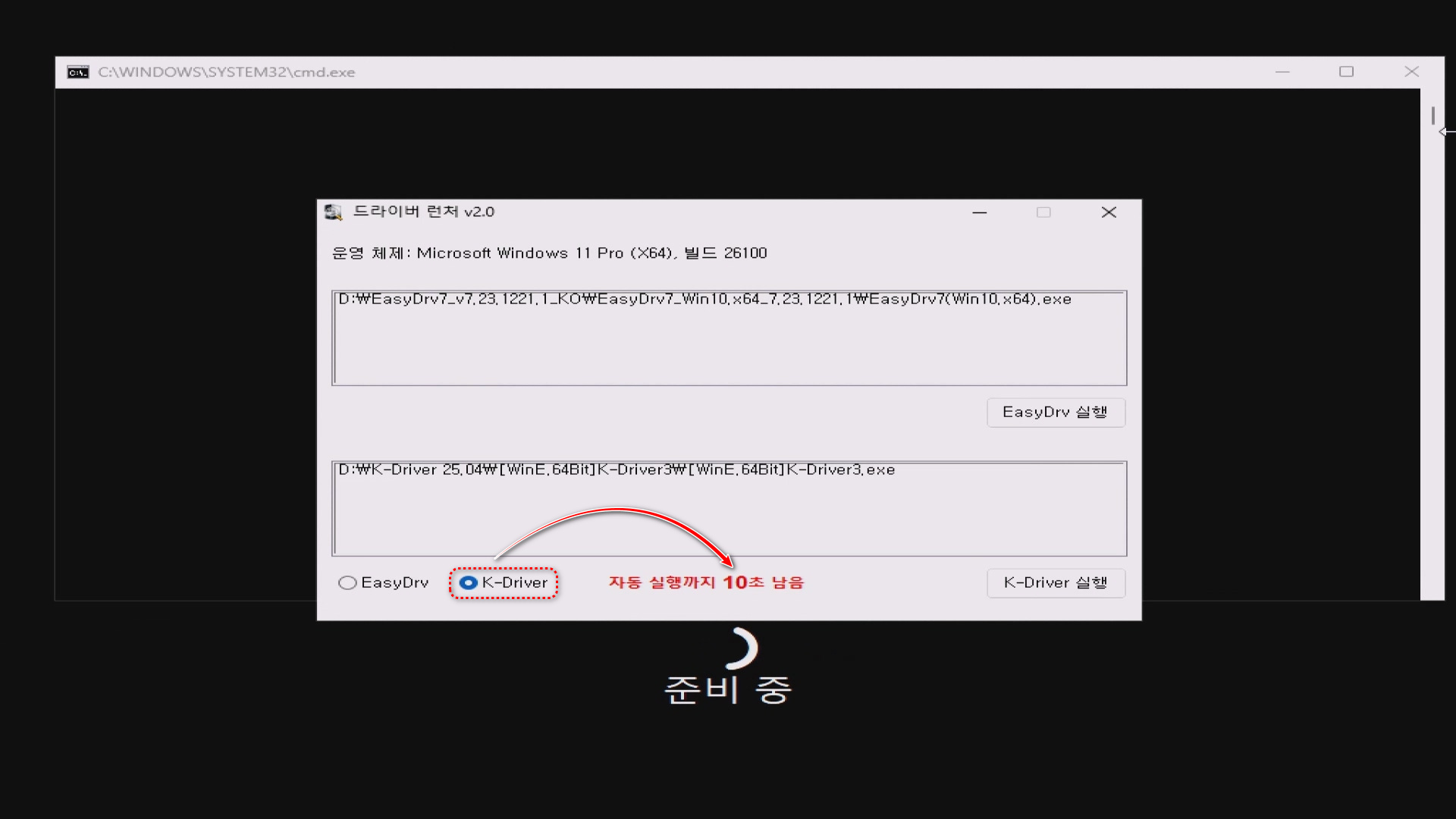

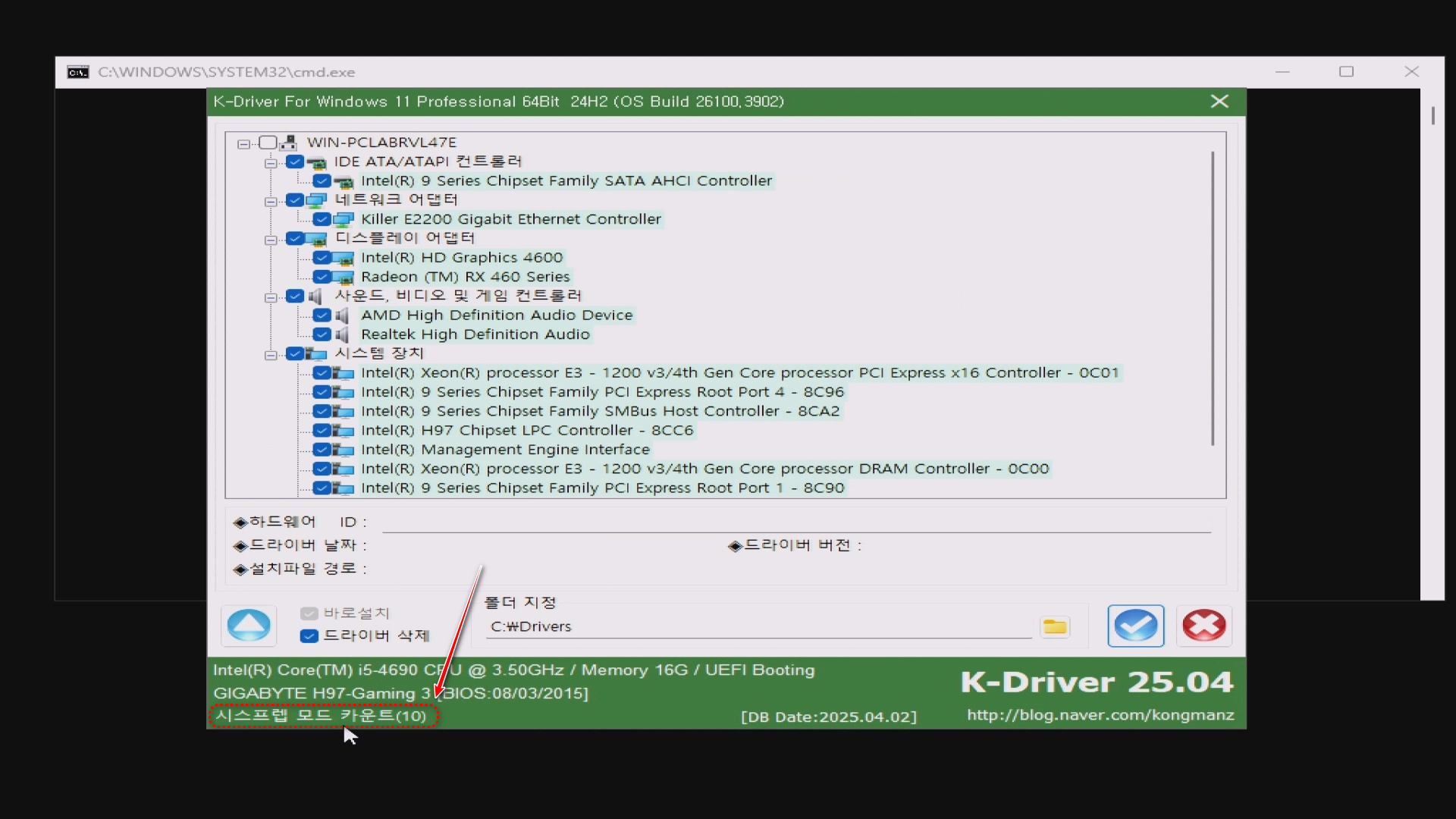
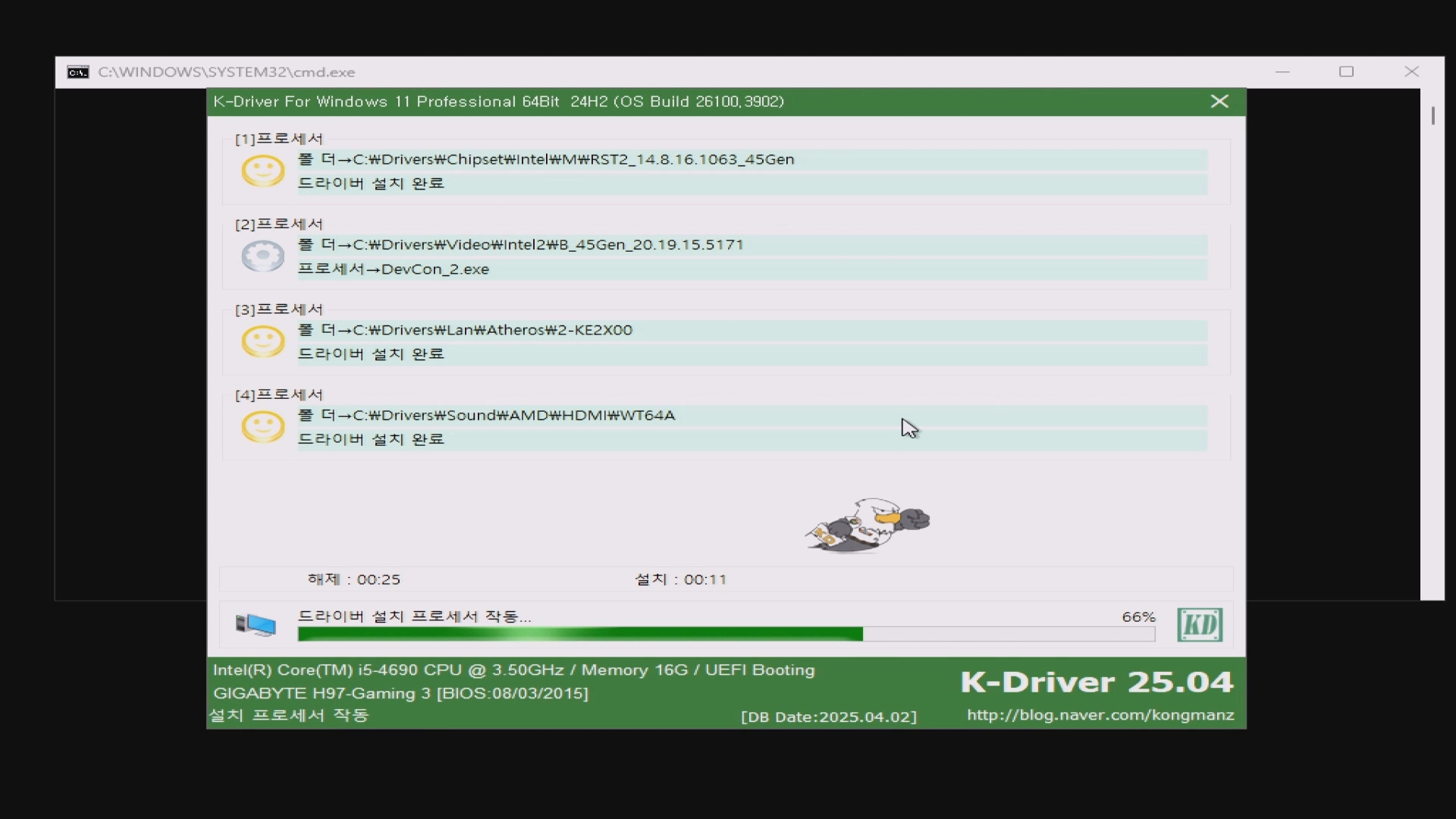
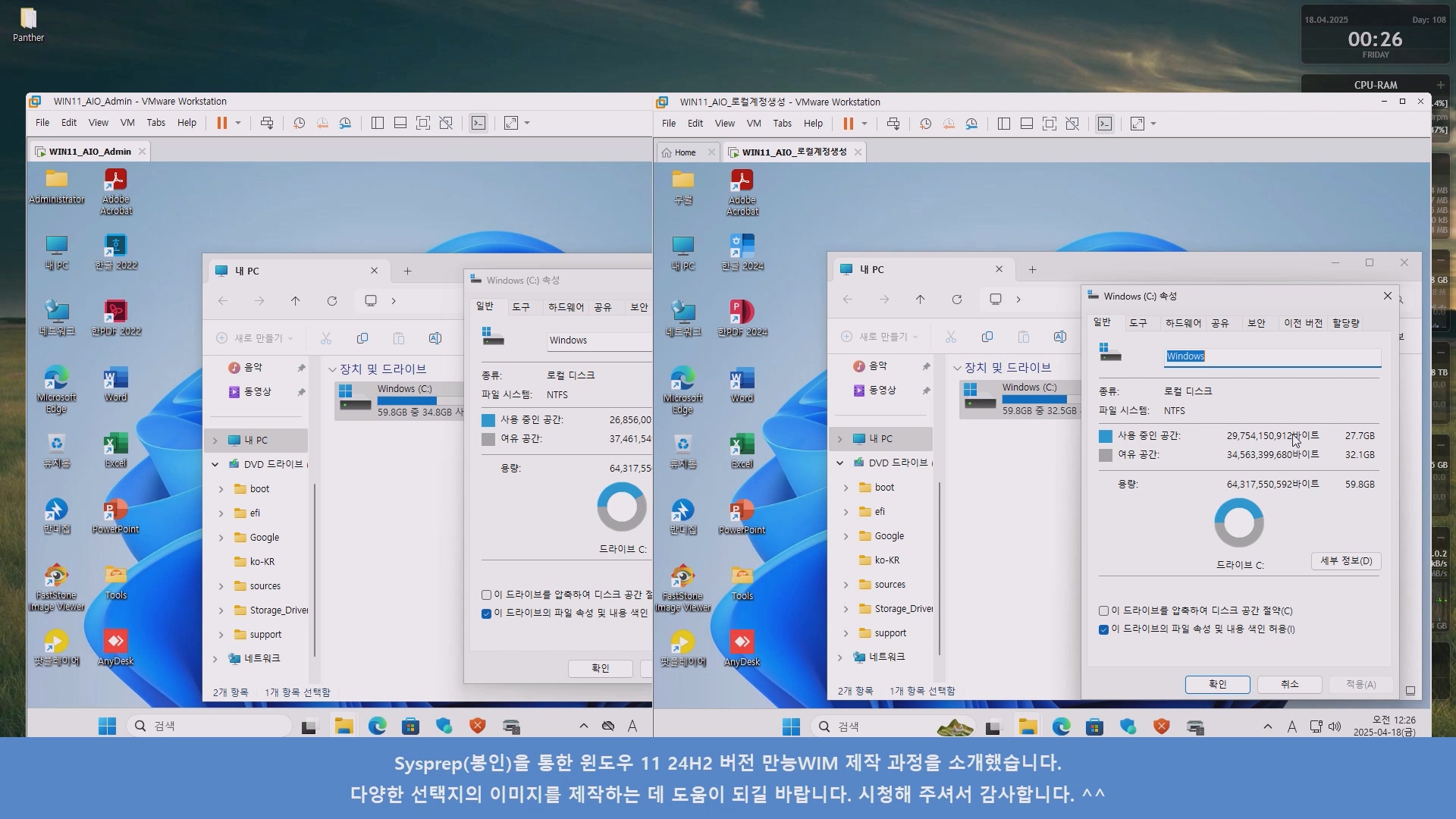
■ 동영상 제목 클릭 후 전체화면(1080P)시청 가능합니다.
정보가 도움이 되었다면 아래 링크로 커피를 후원 해주세요. ^^

반응형
'배치 스크립트 모음' 카테고리의 다른 글
| Snappy Driver 자동 실행 배치파일(4월30일 갱신) (0) | 2025.04.28 |
|---|---|
| Windows 업데이트 설정에서 '일부 설정은 조직에서 관리합니다.' 메시지 해결 방법 (0) | 2025.04.20 |
| Windows 우클릭 메뉴 '새로 만들기' 항목 추가 및 제거 방법 (0) | 2025.03.31 |
| pnputil 명령어를 이용한 드라이버 백업 및 복구 예제 (0) | 2025.02.21 |
| WinNTSetup - VHD(윈도우 설치) 우클릭 메뉴 연동 (1) | 2024.09.05 |